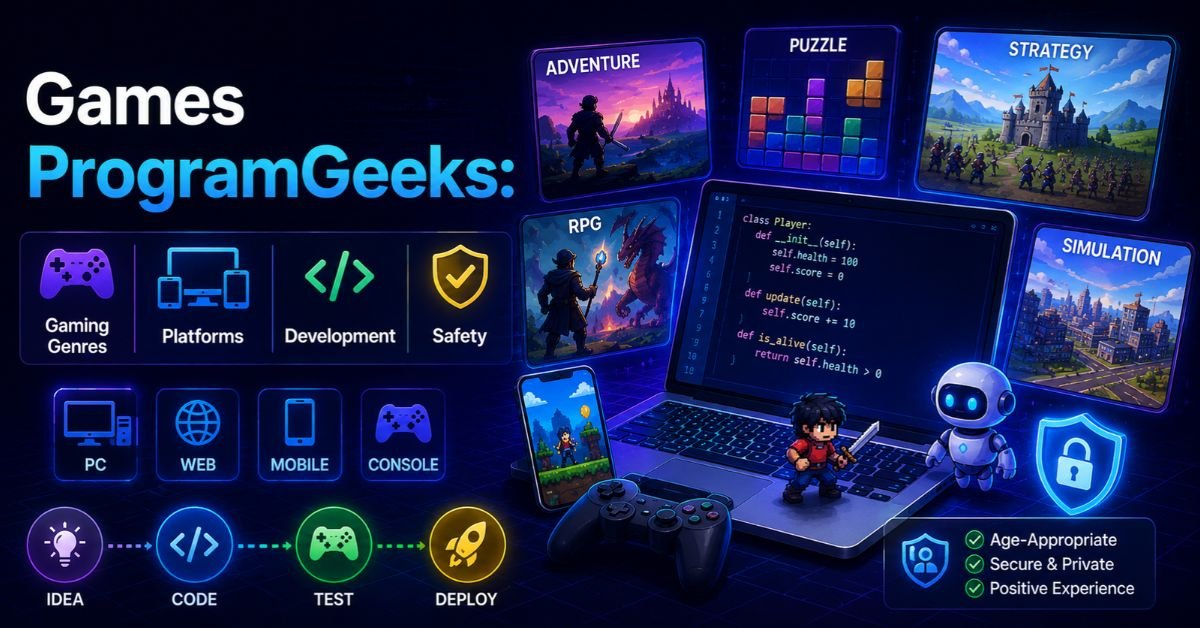
Games ProgramGeeks: Gaming Genres, Platforms, Development and Safety
Ever wonder why one game runs smoothly on your laptop but stutters on your phone? Games ProgramGeeks exists to answer questions like that. This guide belongs to the ProgramGeeks games section, and it looks at video games from the inside out.
If you searched for game ProgramGeeks or ProgramGeeks game, you’re in the right spot. You’ll learn about genres, gaming platforms, browser games, game development and gaming safety. Everything here uses easy English. It suits curious beginners and intermediate players alike. One note before we start: this section never covers gambling or casino content.
Games ProgramGeeks at a Glance
Picture this section as a friendly map. Games ProgramGeeks gaming guides show you how games work, how to pick a device, and how to stay safe. The ProgramGeeks games section treats video games as interactive entertainment and as a doorway into tech. Each stop on the map links to deeper ProgramGeeks game guides. These gaming resources for beginners use plain words and clear steps.
Independence matters too. ProgramGeeks (programgeeks.fr) is an independent blog with no tie to any game publisher. If you love programming games, start with our ProgramGeeks Games guide to coding games. It lists coding games by platform and skill level. The table below shows what each area teaches and who gains the most.
| Topic | What you will learn | Best for |
| Game genres | How action, RPG, strategy, puzzle and other genres differ | New players picking a first game |
| Platforms | Trade-offs between PC, console and mobile | Anyone buying hardware |
| Browser games | Games that run in a web browser with no install | Work laptops, Chromebooks, quick breaks |
| Game development | Engines, languages and a first-project plan | Aspiring indie developers |
| Safe gaming | Account security, parental controls, spending limits | Parents and all players |
Popular Video Game Genres Explained
Choosing a game feels easier once you know the game genres explained in plain terms. A genre is a group of games that share a style of play. These gaming genres and categories act like shelves in a store. They help you find games you’ll love and skip the ones you won’t. Today’s video games also mix genres freely, so one title can wear two or three labels.
Why does this matter for you? A fast shooter and a slow farming game ask for very different skills. Knowing the difference saves money and time. The table below gives a quick view before we look at each genre.
| Genre | Core skill | Typical session |
| Action and shooters | Reflexes and aim | Short to medium |
| RPGs | Planning and patience | Long |
| Strategy and simulation | Tactics and systems thinking | Medium to long |
| Puzzle and logic | Problem solving | Short |
| Sandbox and survival | Creativity and resource use | Flexible |
Action and Shooter Games
Action games test your reflexes and your timing. Shooter games, whether first-person or third-person, make up a large slice of this group. Many of them are multiplayer games, so you face real people in online gaming lobbies. A stable connection therefore matters as much as raw skill. Lag can ruin a perfect shot. Because of this, many players use a wired connection for ranked matches.
Role-Playing Games (RPGs)
Role-playing games let you grow a character over time. Most RPG games offer long stories, tough choices and deep inventory systems. You may spend dozens of hours on one adventure. That depth suits players who prefer a long journey over a quick session. Many fans also enjoy how game mechanics and physics shape combat and exploration inside these worlds.
Strategy and Simulation Games
Strategy games reward careful planning. Some run in real time, so you act under pressure. Others are turn-based, which lets you think calmly. Simulation games go a step further. They model cities, farms or factories with surprising detail. Players who enjoy systems and spreadsheets often fall in love with them.
Puzzle and Logic Games
Puzzle games focus on solving problems instead of fast reactions. Logic games push you to spot patterns and test ideas. A growing sub-genre, the coding games, asks you to write small programs that clear each level. These programming games build real game programming habits in a gentle way. We cover them in depth in our coding games guide.
See Also: Crypto and Blockchain: A Complete Beginner’s Guide to Cryptocurrency, Wallets, and Security
Sandbox and Survival Games
Sandbox games hand you tools and an open world. You then set your own goals. Survival games add needs like food, shelter and safety. Together they create rich game levels and environments that feel alive. Both types shine with friends on shared servers. That’s where multiplayer gaming servers become part of the fun.
Gaming Platforms: PC vs. Console vs. Mobile
No single device wins for everyone. PC vs console vs mobile gaming is really a question about your budget, space and favorite genres. A gaming platforms comparison helps you see the trade-offs before you spend money. Let’s call it matchmaking for your wallet. Think about where you play, how long you play, and which games you want most.
Here’s the short version. PCs give the most choice and control. Consoles give the simplest setup. Phones give the most convenience. The table lists the key differences among the best gaming platforms for each need.
| Factor | PC | Console | Mobile |
| Upfront cost | Wide range; can be the highest | Fixed price per console | Uses a phone or tablet you may already own |
| Setup | Most work (drivers, settings) | Plug in and play | Download from an app store |
| Upgrades | Swap parts like the graphics card | Limited; storage can often be expanded | Replace the device |
| Game library | Very large, including many indie games | Strong exclusives | Huge, many free-to-play titles |
| Mods and tinkering | Best support | Limited | Limited |
PC Gaming: Performance, Hardware and Flexibility
PC gaming suits tech-minded players because you can build, upgrade and tune every part. This is desktop and laptop gaming at its most flexible. When you study gaming hardware requirements, start with the graphics processing unit (GPU). It has the biggest effect on frame rate. The central processing unit (CPU) comes next, and it matters most in strategy and simulation titles. Memory (RAM) follows, while an SSD cuts loading times. Match your parts to the games you actually play. Don’t chase the most demanding title on the market.
Console Gaming: Features and Popular Systems
Console gaming gives every owner the same hardware. Developers therefore tune games to run well with no settings work. Today’s console gaming systems include PlayStation, Xbox and the Nintendo Switch family. Online play for most paid games needs a paid membership. However, free-to-play games usually skip that fee. Consoles also work well in living rooms. Families like them for their simple parental controls.
Mobile Gaming: Gaming on Smartphones and Tablets
Mobile gaming makes the smartphone gaming experience easy to start and perfect for short sessions. Many games are free to download. They earn money through ads and in-game purchases. Before you hand a device to a child, check a game’s purchase options. Then turn on purchase approval in the phone’s settings. That small step protects your wallet in seconds.
Browser Games: Play Online Without Downloads
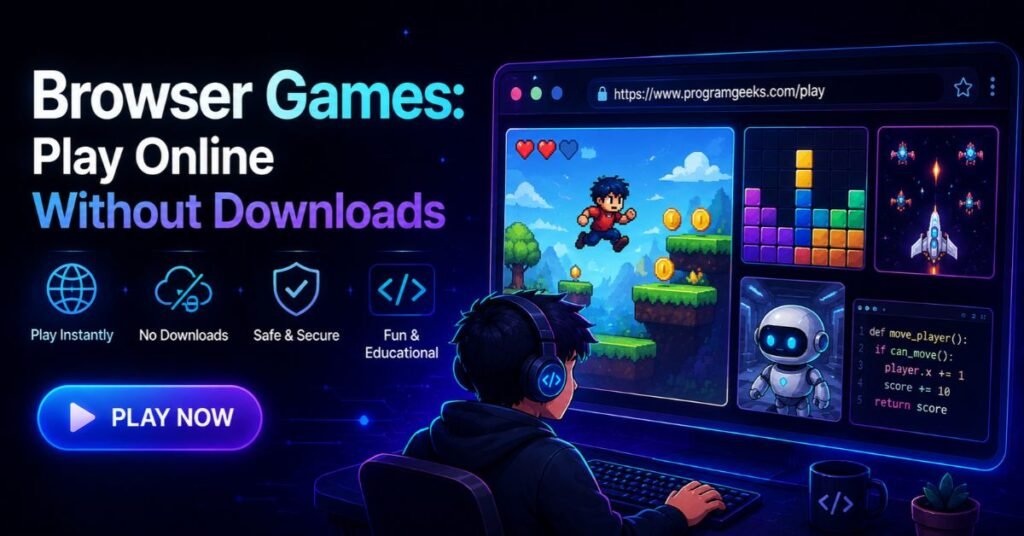
Browser games run inside Chrome, Firefox, Safari or Edge. That makes them perfect for games without downloading anything. These web-based gaming platforms work well on low-power laptops and Chromebooks. Many free browser games load in seconds. You can share them with a simple link. They fit nicely into a quick break between tasks.
Modern HTML5 browser games rely on web standards. JavaScript game development drives the logic. WebGL gaming technology draws smooth graphics. WebAssembly games add extra speed. That’s why some browser titles now look close to small downloadable games. The trade-offs are real though. Scope is smaller than in full games, and some sites overflow with ads. Stick to well-known sites. Never install an “update” or “plugin” that a game page pushes at you.
Game Development Basics for Beginners
Want to build your own game? Game development for beginners is easier than it looks. Beginner game development starts with three moves: pick an engine, follow its tutorial, and finish one tiny game. You can do all of it with free game development tools. Indie game development proves the point. Small teams and solo creators ship hits every year. A gentle warm-up helps too. Our coding games guide shows how play can teach logic.
Consider a quick example. Imagine a student named Maya who wants to make a game. She picks a free engine and follows a two-hour tutorial. Next she builds a simple bouncing-ball game over one weekend. By Sunday night she understands movement and scoring. That small win gave her more skill than months of reading. Tools that help you write code live in our Software hub.
See Also: ProgramGeeks Social Media: Best Social Platforms for Tech Enthusiasts and Programmers
Choosing the Right Game Engine
Choosing a game engine is the first big decision. Game engines handle graphics, sound, physics and input so you can focus on your idea. The Godot game engine is free and open source. It’s one of the leading open-source game engines, and its official documentation is a great first stop. Unity game development offers a huge tutorial base for 2D and 3D game creation. Unreal Engine targets high-end 3D graphics and supports visual scripting through Blueprints. Check each company’s current pricing and license terms before you commit. They can change. The table also covers the best programming languages for games in each tool.
| Engine | Main language | Good for |
| Godot | GDScript (Python-like), C# | 2D and small 3D projects, learning |
| Unity | C# | Mobile, 2D and 3D, large tutorial base |
| Unreal Engine | C++ and Blueprints | High-end 3D graphics |
Essential Game Development Concepts
Almost every game shares the same game development concepts. Learn them once and you can move between engines. The game loop and variables come first. In each frame the game reads input, updates the world, then draws the screen many times per second. Variables store health, score and position. Collision detection checks when objects touch, such as a player and a wall. Scenes or levels split a game into menus, stages and game-over screens. These game design basics also cover player movement and controls and the physics behind them.
Planning Your First Game Project
Start small and copy a classic. Pong, Snake and Breakout each have clear rules. They teach movement, scoring and collision detection in one go. Use free version control like Git from day one so you can undo mistakes. Keep your scope tiny and finish the game. Then share it with friends and ask what confused them. That feedback turns a hobby project into real game programming experience.
Safe Gaming Practices: Security, Parental Controls and Spending
Gaming safety comes down to three habits. Protect your accounts, set limits for kids, and control spending. Each habit takes only minutes to set up. Strong online gaming safety also protects your wider digital life. After all, one stolen login can open many doors.
Think of safety as a seatbelt. You hardly notice it, yet it matters a lot when something goes wrong. The table below shows quick wins you can finish today.
| Habit | Quick fix | Time needed |
| Account protection | Turn on 2FA and use a password manager | 10 minutes |
| Kid safety | Set age limits and chat limits | 15 minutes |
| Spending control | Require approval and set a budget | 5 minutes |
| Health | Schedule breaks and fix your seating | 5 minutes |
How to Protect Your Gaming Accounts
Gaming account security starts with two-factor authentication. Turn it on for every store and platform. Use a unique password for each of your gaming accounts, ideally inside a password manager. Ignore messages that offer free in-game currency or items. They’re a common trick to steal logins. Download games and mods only from official stores or trusted developer pages. These habits form the core of gaming account protection and good online security. They also support wider gaming privacy and security.
Parental Controls and Online Safety for Kids
Parental controls for gaming exist on every major console, PC store and phone. You can block games by age rating, set playtime limits and restrict chat with strangers. The ESRB offers a clear parental controls guide with steps for popular devices. Age ratings and game restrictions such as ESRB in North America and PEGI in Europe give a fast fit check. Together these tools build child-friendly gaming environments. Review them each time your child starts a new game.
Managing In-Game Purchases and Gaming Expenses
Managing in-game spending takes a simple plan. Many games sell skins, passes and loot boxes. Set a monthly budget and require a password or approval for each purchase. Avoid saving a card on a child’s account. Gift cards offer an easy cap. This kind of digital purchase management keeps in-game purchases from creeping up on you. It also supports responsible gaming habits for the whole family.
Healthy Gaming Habits and Screen Time
Gaming screen time adds up fast. Healthy gaming habits protect your eyes, back and focus. Take regular breaks and place your screen at eye level. Use a chair that supports your back. A short walk every hour helps a lot. Try the 20-20-20 habit too. Every 20 minutes, look at something 20 feet away for 20 seconds. Small routines like these keep long sessions fun.
See Also: ProgramGeeks Games: 13 Best Coding Games to Learn Programming in 2026
How Gaming Connects with Modern Technology

Gaming and modern technology grow together. Gaming technology pushes graphics chips, networks and cloud tools forward. Every multiplayer game depends on gaming servers and networks to keep players in sync. Online gaming works only when data moves fast and safely. That’s why running your own game server is a great first web hosting project.
Want to host a server for friends or a small community? Start with our Hosting hub. It explains server types and what to look for in a provider. Our Software hub covers tools for code and design. Together these pages show how Games ProgramGeeks links play with real tech skills.
Frequently Asked Questions
What Is Games ProgramGeeks?
Games ProgramGeeks is the games part of programgeeks.fr. The ProgramGeeks games section covers genres, gaming platforms, browser games, game development basics and gaming safety for tech-minded readers. It is independent and focuses on guides rather than games.
Is ProgramGeeks a Game You Can Download?
No. A ProgramGeeks game is not a download. ProgramGeeks does not make or sell games. We write guides and point you to official stores and developer pages where you can get games safely.
Which Gaming Platform Is Best for Beginners?
A console is the easiest to set up. A PC gives the most choice and suits players who want to mod games or learn game development. Mobile works well if you mainly play short sessions. Pick the one that matches your budget and favorite genres.
Can You Learn Game Development for Free?
Yes. Godot is free and open source. Unity and Unreal Engine also offer free options for learning. Always check each engine’s current license terms before you release a game.
Does Games ProgramGeeks Cover Gambling or Casino Games?
No. We do not cover or promote gambling, betting or casino games. This section sticks to video games, game development and gaming safety.
Conclusion
Games ProgramGeeks helps you understand your hobby instead of only consuming it. Start with a genre you enjoy. Then pick the best gaming platforms for your budget and space. Try browser games for quick, install-free fun. If you’re curious about how games get made, grab a free engine and build something tiny.
Above all, keep safety first. Protect your gaming accounts, use parental controls for younger players, and watch your spending. Explore the ProgramGeeks Games guides above for deeper, step-by-step help.